Tools for Jira
 Tools for monday.com





Checklists help teams keep work consistent in Jira. They support QA processes, onboarding, audits, and compliance tasks where accuracy matters. Jira checklists give teams a simple way to track repeatable steps and define clear expectations for every issue.
Many teams compare Jira subtasks vs checklist tools. Subtasks add overhead, while a Jira task checklist keeps steps visible inside the issue and complements a well-structured Jira Kanban board. A good checklist app should support reusable checklists in Jira, templates, clear status tracking, and smooth integration with existing workflows.
The tools below cover lightweight options for daily tasks and structured apps built for compliance and SOP-driven environments. The comparison table outlines features, pricing, and the types of teams each Jira checklist app best supports.
| Tool | Best For | Starting Price | Key Features |
|---|---|---|---|
| Smart Checklist for Jira (TitanApps) | Lightweight subtasks alternative, checklist Templates & Automation, Definition of Done, Acceptance Criteria, QA, HR | Free, then 1.49 USD per user per month (annual) | Checklist templates, grouped items, automation triggers, workflow validation, mandatory items, custom permissions, advanced automation, multiple checklists, pre-made processes templates, JSM integration |
| Multiple Checklists for Jira (SolDevelo) | Teams that need simple checklists inside issues | Free, then from 0.99 USD per user per month | Multiple checklists per issue, basic tracking, quick item creation, and copy for reuse |
| Didit Checklists for Jira (Seibert) | Structured checklists with reporting and compliance support | From 1.50 USD per user per month | Required items, usage reports, item attributes, templates |
| ProForma: Forms and Checklists for Jira | Structured data entry, workflows, and approval steps | Included in Jira, paid tiers available | Custom forms, checkbox fields, validation rules, workflow integration |
| STAGIL Tables and ToDo Checklists | Enterprise workflows, data tables, API driven setups | From 3.00 USD per user per month | Table views, item attributes, integration with STAGIL data tools, and reporting |
| My ToDo Checklist for Jira (Addonix) | Simple checklists with minimal setup | Free, then paid features | Inline checklists, quick item creation, and simple progress tracking |
| Checklist Template and Report (SaaSJet) | Template-based SOPs and recurring workflows | From 1.00 USD per user per month | Templates, progress reports, structured item templates, reusable workflows |
| Easy Action Items | Template-based workflows and checklist automation | From 1.00 USD per user per month | Templates, automation rules, item-level tracking |
| Checklists for Jira (Pro) | Lightweight Jira task checklists with clean UI | Free tier up to 10 users, than 0.82 USD per user per month | Inline checklists, drag and drop ordering, templates in PRO, status tracking |
| Checklists for Jira (Enterprise) | Teams that need advanced checklist controls and compliance steps | From 1.25 USD per user per month (annual, tier dependent) | Required steps, conditional items, priorities, templates |
How to choose Jira checklist apps in 3 minutes
Teams usually start looking for Jira checklist apps after a few sprints of missed steps. A comment gets lost, subtasks grow into clutter, and “small” checks turn into rework. A good Jira checklist keeps checklist items visible inside the Jira issue and makes repeatable work consistent across work items.
Pick your checklist app based on the workflow you need:
- Simple to-do list inside Jira issues: inline checkbox checklists, fast checklist creation, minimal setup.
- Standardization: checklist templates so every new checklist starts from the same baseline and teams can use templates across issue types.
- Process control: validators that block a status transition until required checklist items are done.
- Automation-first: built-in automation support, jira automation rules, and rule triggers tied to a jira workflow (issue created, issue transitioned, field updated).
- Visibility and governance: permissions, activity tracking, and options to surface checklists via a custom field for reporting.
Also decide early where you work: Jira Cloud vs Data Center. Many apps are Cloud-first. Some support both deployment models, but the depth of functionality can differ.
Jira native options vs checklist apps (when you don’t need a plugin)
Jira already gives teams a few ways to track steps, depending on the project and the Atlassian product you use. Some teams rely on subtasks for step-by-step work. Others add action items in the issue description or use forms (for example, ProForma) to collect structured inputs and represent steps as checkboxes.
That said, native approaches usually stay “static.” A checklist app becomes useful once you need any of these:
- Reusable checklist templates across many work items
- Checklist progress that is visible without reading the full description
- Validators and workflow gating tied to a Jira workflow
- Automation rules that add, update, or check checklist items automatically
- Richer formatting (for example, markdown, headers, links, and structured sections)
If your team uses acceptance criteria and a Definition of Done as real execution tools, a checklist app is often the cleaner option.
Smart Checklist for Jira
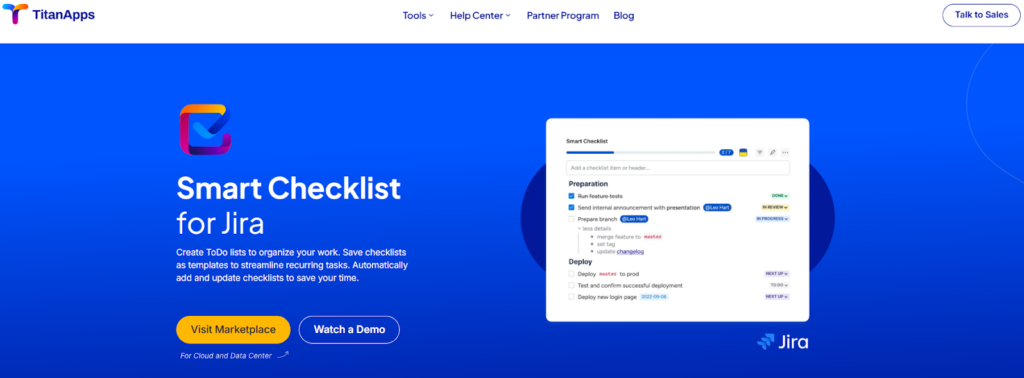
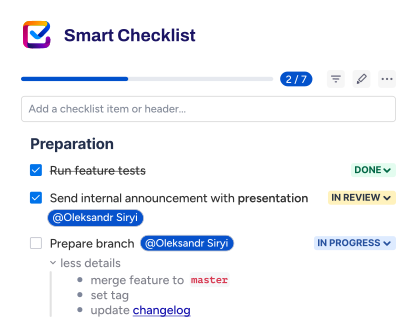
Smart Checklist for Jira helps teams organize repeatable tasks directly inside the issue view without subtasks overhead. Designed to help teams create checklists for repetitive workflows, save them as templates, and automatically import them into recurring tasks. Ideal for Definition of Done and Definition of Ready, quality assurance, compliance, test management, onboarding, and change management.
- Key Features:
- Interactive checklists with statuses and progress
- Checklist templates for SOPs and recurring tasks
- Grouped items, due dates, and responsible roles
- Automation triggers for reusable checklists in Jira
- Best for: Teams that rely on structured processes, QA steps, and compliance routines.
- Pricing: Free plan available, then 1.49 USD per user per month, billed annually.
- Pros: Clear interface within the Jira issue, strong template support for repeatable processes, and integration with workflows and automation.
- Cons: Some advanced settings require setup, and templates may need initial configuration for large teams.
The software is so well laid out and planned in such a manner that it provides an exhaustive list of features needed for a checklist, like the drop-downs for different stages. – Customer review
Multiple Checklists for Jira
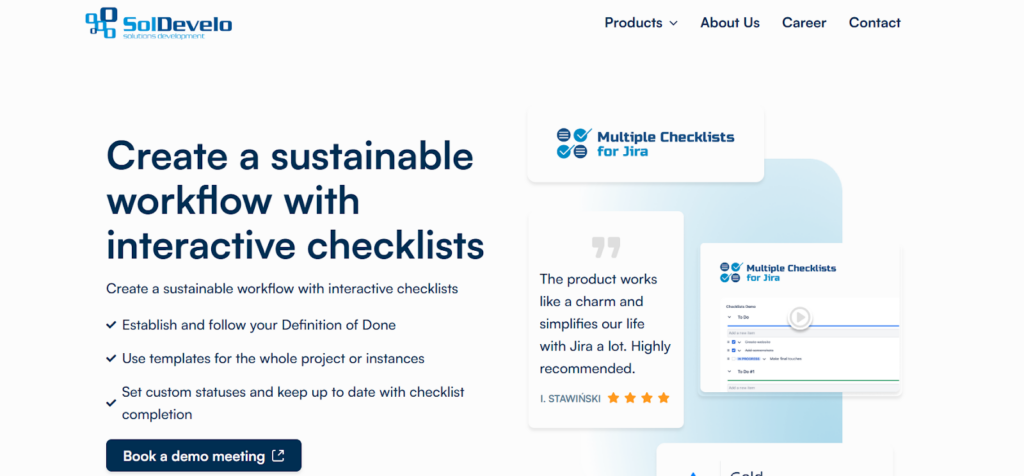
Multiple Checklists for Jira gives teams a simple way to manage several task lists within a single issue. It works well for fast-moving projects where users want lightweight Jira checklists without setup or configuration.
- Key Features:
- Multiple checklists inside one Jira issue
- Basic status tracking for checklist items
- Quick item creation
- Copy checklist content for reuse
- Best for: Teams that want straightforward Jira checklists with minimal setup.
- Pricing: Free tier available, then from 0.99 USD per user per month.
- Pros: Easy to adopt, supports several checklists per issue, good fit for simple workflows.
- Cons: Limited configuration options and no advanced templates or automation.
Very valuable and user-friendly. I am also impressed with how quick their dev team is to get out requests. – Customer review
Didit Checklists for Jira
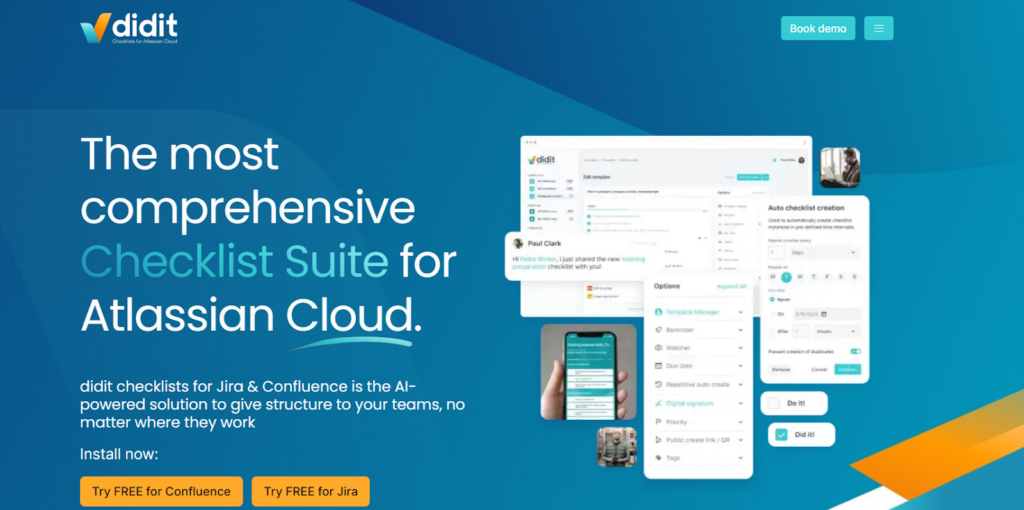
Didit Checklists provides structured checklist management with controls that support guided workflows, compliance steps, and traceability across projects. It is suited for teams that need more process structure than a basic inline list can offer.
- Key Features:
- Required checklist items
- Reporting dashboards
- Item attributes such as description and assignment
- Templates for recurring workflows
- Best for: Teams that want guided Jira checklists with reporting and compliance controls.
- Pricing: Paid plans start from 1.50 USD per user per month.
- Pros: Strong structure for defined steps, reporting helps track progress, good fit for compliance workflows.
- Cons: The interface feels heavier than basic apps, and setup may take time for new users.
For me, it’s by far the best Jira app in every way, and certainly the best for organizing checklists. The support service for me has always been instant and very correct. It’s much better than any paid app. – Customer review
ProForma: Forms and Checklists for Jira
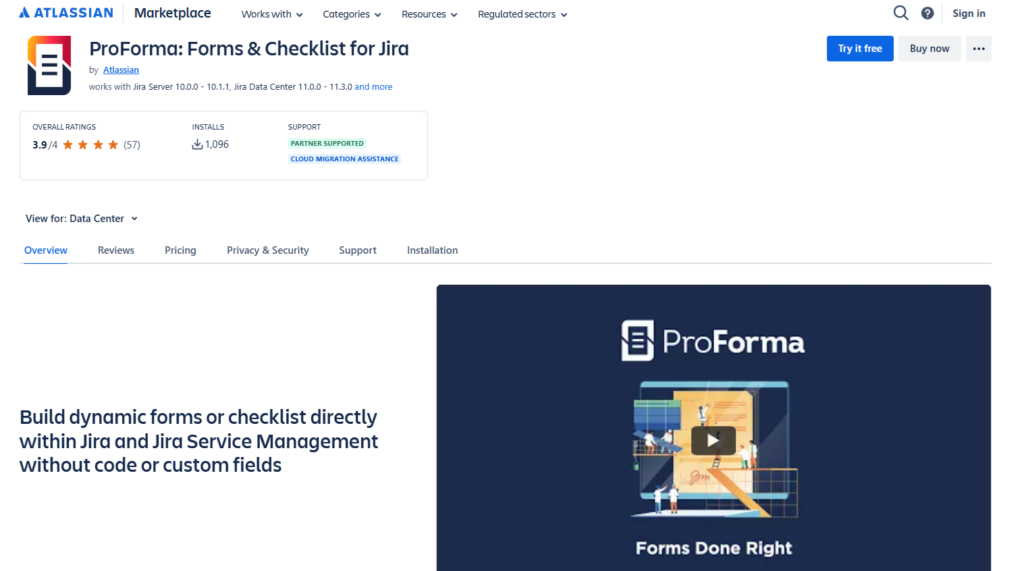
ProForma helps teams collect structured information inside Jira issues through custom forms and checkbox-based steps. It is ideal for workflows that require consistent data entry, approvals, or controlled process execution.
- Key Features:
- Custom forms with configurable fields
- Checkbox fields to represent checklist-style tasks
- Validation rules for accurate information
- Integration with Jira workflows and issue types
- Best for: Teams that need structured data collection and approvals inside workflows.
- Pricing: Included in Jira on some plans, with extended capabilities available on paid tiers.
- Pros: Strong structure for complex processes, works well in regulated environments, and integrates directly with workflows.
- Cons: Forms can take time to design, not ideal for fast, inline checklists.
ProForma has been in our toolbox for a long time now, and it’s incredibly useful for capturing issue information without the need for additional custom fields. We use it to capture information and combine it with other tools (like Automation for Jira) to help triage issues. – Customer review
STAGIL Tables and ToDo Checklists
STAGIL Tables and ToDo Checklists allow teams to manage checklist items alongside structured data, making Jira suitable for processes that rely on table-based views, detailed attributes, and organized workflows at scale.
- Key Features:
- Table-based views inside Jira issues
- Item attributes such as values and statuses
- Integration with STAGIL data tools
- Reporting for structured workflows
- Best for: Enterprise teams that need structured checklists and data-driven workflows.
- Pricing: Paid plans start from 3.00 USD per user per month.
- Pros: Strong structure for large workflows, flexible configuration, helpful reporting options.
- Cons: Requires time to set up, more complex than lightweight apps.
Really useful app and super helpful support. STAGIL Tables and ToDo Checklists for Jira has been the key to allowing us to use Jira as a database system and not just tickets. – Customer review
My ToDo Checklist for Jira
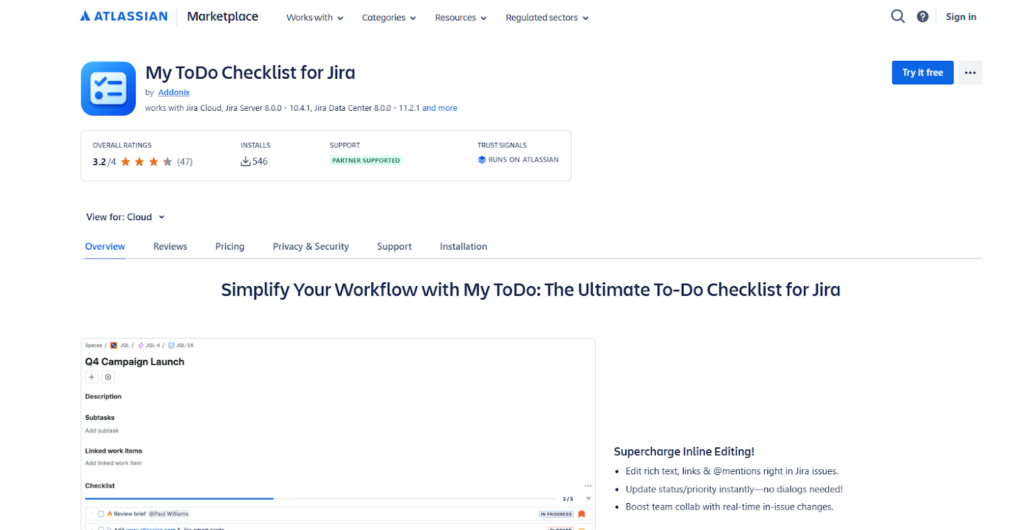
My ToDo Checklist offers a minimal, quick way for teams to record simple steps inside Jira issues. It fits daily task tracking where users want a clear list without the overhead of templates or configuration.
- Key Features:
- Inline checklists inside Jira issues
- Quick item creation
- Basic progress tracking
- Lightweight design
- Best for: Teams that want minimalistic Jira checklists for everyday tasks.
- Pricing: Free tier available, with paid upgrades for extra features.
- Pros: Very easy to start using, clean and lightweight, good for simple workflows.
- Cons: Limited advanced features and not suited for compliance workflows.
Checklist Template and Report
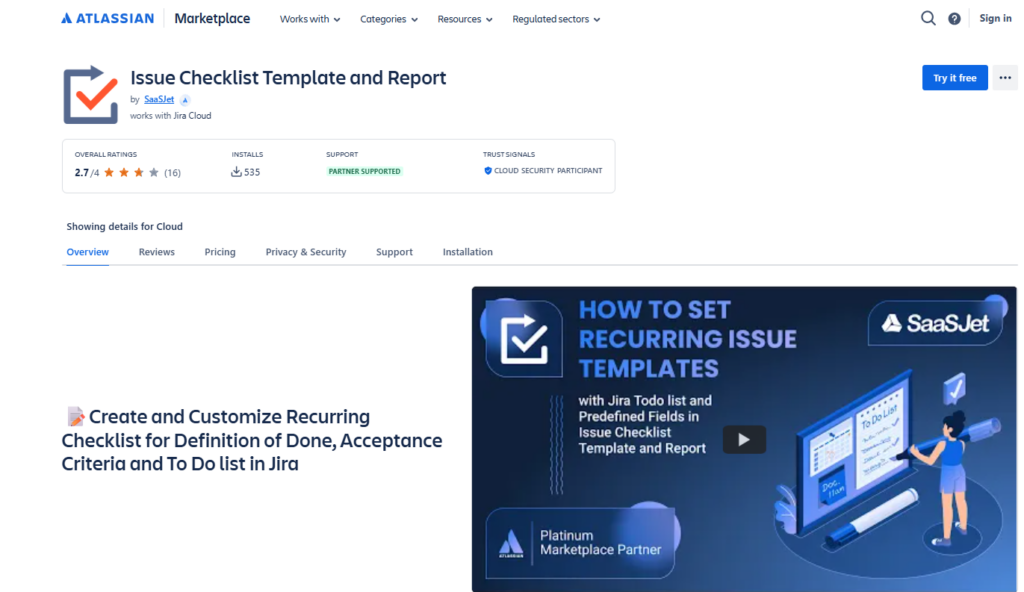
Checklist Template and Report support teams that rely on reusable processes and SOPs in Jira. It helps standardize repeatable tasks by combining templates with reporting to show checklist progress across issues.
- Key Features:
- Checklist templates for reusable processes
- Reports showing progress across issues
- Structured item templates
- Reusable workflows for consistent tasks
- Best for: Teams that rely on SOPs and want visibility into checklist progress.
- Pricing: Paid plans start from 1.00 USD per user per month.
- Pros: Strong template capabilities, helpful reports for managers, and works well for structured processes.
- Cons: Interface can feel busy, not ideal for simple daily task lists.
It is a time saver. Highly useful app for teams that have repeated schedules and helps them to manage recursive tasks. – Customer review
Easy Action Items
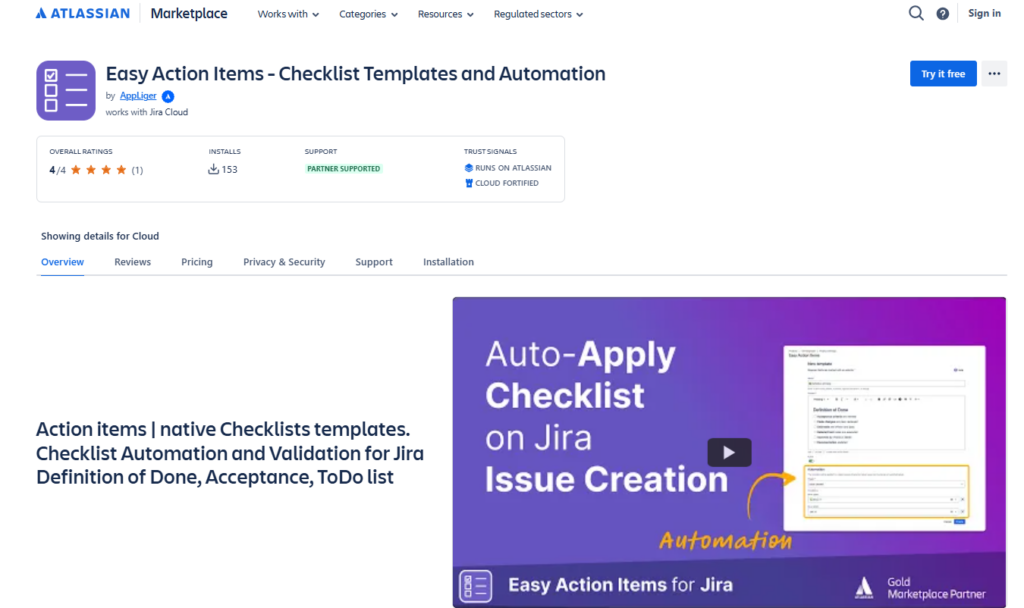
Easy Action Items enables teams to create structured, repeatable checklists supported by automation rules. It is best for workflows where checklists must react to changes in Jira issues.
- Key Features:
- Checklist templates
- Automation rules
- Item-level tracking
- Integration with issue changes
- Best for: Teams that want checklists connected to workflows and automation.
- Pricing: Paid plans start from 1.00 USD per user per month.
- Pros: Good balance of templates and automation, clear tracking for checklist items, supports consistent processes.
- Cons: More setup required than basic tools, and offers limited reporting.
Checklists for Jira (Pro)

Checklists for Jira (Pro) is the updated name for the original Issue Checklist app created by HeroCoders. After HeroCoders joined forces with Okapya, the makers of Checklist for Jira, the product became the lightweight edition in the unified checklist family. It gives teams a fast way to add and manage Jira task checklists inside issues while keeping workflows simple and flexible.
- Key Features:
- Inline checklists inside Jira issues
- Drag and drop item ordering
- Templates available in the Pro edition
- Status tracking for checklist items
- Best for: Teams that want simple Jira task checklists for everyday steps.
- Pricing: Free tier available, with paid plans for advanced features.
- Pros: Simple interface, quick setup, supports core checklist functions.
- Cons: Templates are limited to the paid version, not ideal for compliance-heavy workflows.
The function of Checklists for Jira Pro that lets us gate the advancement of these tickets from stage to stage in the workflow, based on the developer’s assertions that these requirements had been met, was instrumental in keeping our cloud migration project on track. – Customer review
Checklists for Jira (Enterprise)

Checklists for Jira (Enterprise) is the advanced edition of the unified checklist family built by HeroCoders and Okapya. The app was originally developed by Okapya as “Checklist for Jira” and was rebranded after the companies combined their efforts. It supports required items, conditional logic, and enterprise templates for teams that work within strict compliance or process-driven environments.
- Key Features:
- Required checklist items
- Conditional items
- Priority levels
- Enterprise-grade templates
- Best for: Enterprise teams that need advanced checklist controls and support for process-driven or compliance workflows.
- Pricing: From 1.25 USD per user per month, annual billing, tier dependent.
- Pros: Strong controls for compliance tasks, useful for structured enterprise workflows, supports complex checklists with conditions
- Cons: More configuration than a lightweight tool, and only suited for larger teams.
Great add-on for Jira. Offers lots of flexibility and has an amazing Support team. Whenever I hit a wall trying to implement one of our Use-cases Support was quick in providing the solution or a good workaround. – Customer review
What to look for in checklist functionality (the short checklist)
When you compare tools, focus on the checklist functionality that affects everyday delivery. Many apps can create a new checklist. Fewer apps help you manage checklists at scale across many Jira issues.
Look for:
- Templates and reuse: checklist templates that can be applied by issue type and reused for recurring tasks.
- Progress tracking: clear checklist progress and the ability to track progress without opening every work item.
- Automation hooks: triggers that work well with jira automation and Automation for Jira, including rules based on a field value.
- Workflow alignment: support for workflows, transitions, and validators that help teams enforce process.
- Governance: role-based permissions, and options that admins can manage when teams scale.
Standardizing QA, audits, and SOPs directly in Jira
Many teams rely on Jira checklists to keep work consistent, but the real value comes from making those steps repeatable and easy to apply across issues. Smart Checklist helps with this by giving teams a structured way to capture the small but important tasks that shape QA routines, onboarding flows, internal reviews, and audit preparation. Instead of spreading steps across subtasks or comments, everything stays visible inside the issue and follows the same format every time.
Smart Templates extend this approach by letting teams build predefined structures for recurring work, similar to creating a reusable Jira task template. A template can represent a QA release sequence, a SOC 2 evidence checklist, or a set of onboarding steps built from an onboarding template in Jira. Once applied, every issue begins with the same expectations, which makes processes more predictable and easier to follow.
Pro Tip: Build separate templates for major workflow types, such as QA cycles or audit reviews, so teams always start from a clean, consistent baseline.
Compliance tasks benefit from this structure as well. Required items ensure that essential steps cannot be overlooked, and Jira’s history makes it easy to confirm what was completed and when. This creates a lightweight audit trail without the overhead of building new workflow rules.
Automation brings even more structure. By combining Smart Checklist with Scheduler or Automation for Jira, teams can generate recurring checklists for weekly checks, monthly reviews, or project-specific milestones. This reduces manual setup and ensures that important tasks appear exactly when they are needed.
Pro Tip: Trigger a checklist automatically when an issue moves into a key status, such as “Ready for QA,” to keep processes consistent across the team.
Smart Checklist adds clarity to repeatable work without competing with a team’s Jira workflow, forms, or subtasks. It works alongside Jira’s native tools to help teams maintain standards, avoid missed steps, and keep structured work predictable as projects grow.
High-impact use cases for Jira task checklists
Most teams use Jira checklists for more than “don’t forget this.” The best results come from connecting checklist items to a real workflow and keeping the checklist in the same place the team works: inside Jira issues.
Definition of Done and acceptance criteria
A checklist works well for acceptance criteria, especially when QA needs to mark each item as verified. Teams often keep story-level acceptance criteria as checklist items and keep the team-level definition of done as a shared template that appears on relevant work items.
Agile delivery on an agile board
A Jira checklist does not replace your agile board. It supports it. Teams use checklists to keep work consistent as issues move across columns and statuses on a Scrum or Kanban board.
Onboarding and recurring tasks
Onboarding is a classic checklist workflow. Templates prevent drift, due dates keep the pace, and the same steps repeat across roles and teams. This is also where recurring tasks benefit from templates and scheduled automation.
JSM workflows and internal requests
In JSM (Jira Service Management), a checklist helps agents capture required information and follow the same triage and verification steps for each request. This improves consistency without forcing extra subtasks.
Automation patterns that make checklists scale
Checklist apps get stronger once you connect them to Jira automation rules. The goal is simple: create consistent steps, then let automation keep the workflow clean.
Common automation patterns include:
- Add a checklist template when a Jira issue is created for a specific issue type.
- Add checklist items when an issue transitions to a status like “In Progress” or “Ready for QA.”
- Update or append items based on a field value (priority, component, environment).
- Trigger notifications when key checklist items are overdue or blocked by missing inputs.
Teams often combine automation with collaboration practices. The checklist stays in Jira, and reminders can be surfaced elsewhere when needed (for example, in Confluence documentation links, or chat notifications).
Wrapping up
Choosing the right Jira checklist app depends on how much structure your workflows require. Small teams often need simple task lists, while larger groups benefit from templates, automation, and reporting that support consistent processes.
If your work includes QA steps, compliance tasks, onboarding, or defined SOPs, a structured checklist tool helps maintain clarity and reduce missed work. Visibility into progress also supports smoother handoffs across teams.
Each app in this list covers different needs. Reviewing the features, pricing, and workflow fit will help you select the checklist solution that aligns with your team’s goals.