


 Tools for Jira
 Tools for monday.com


Active users

Runs on Atlassian

Cloud Fortified

Gold Marketplace Partner
With Smart Checklist you can
Create detailed
checklists
Manage templates for
recurring tasks
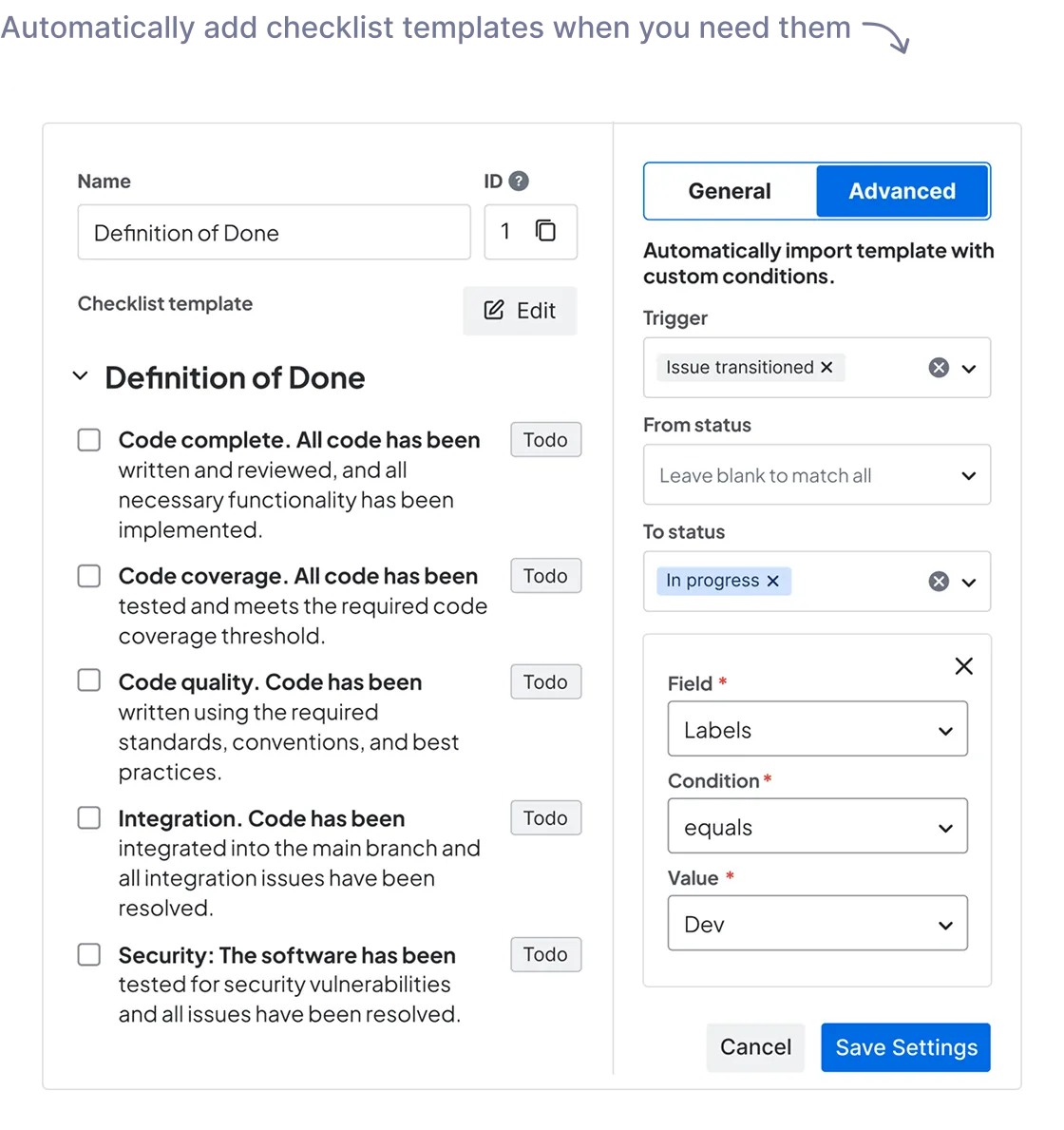
Automatically
add checklists
Keep track of checklist
progress
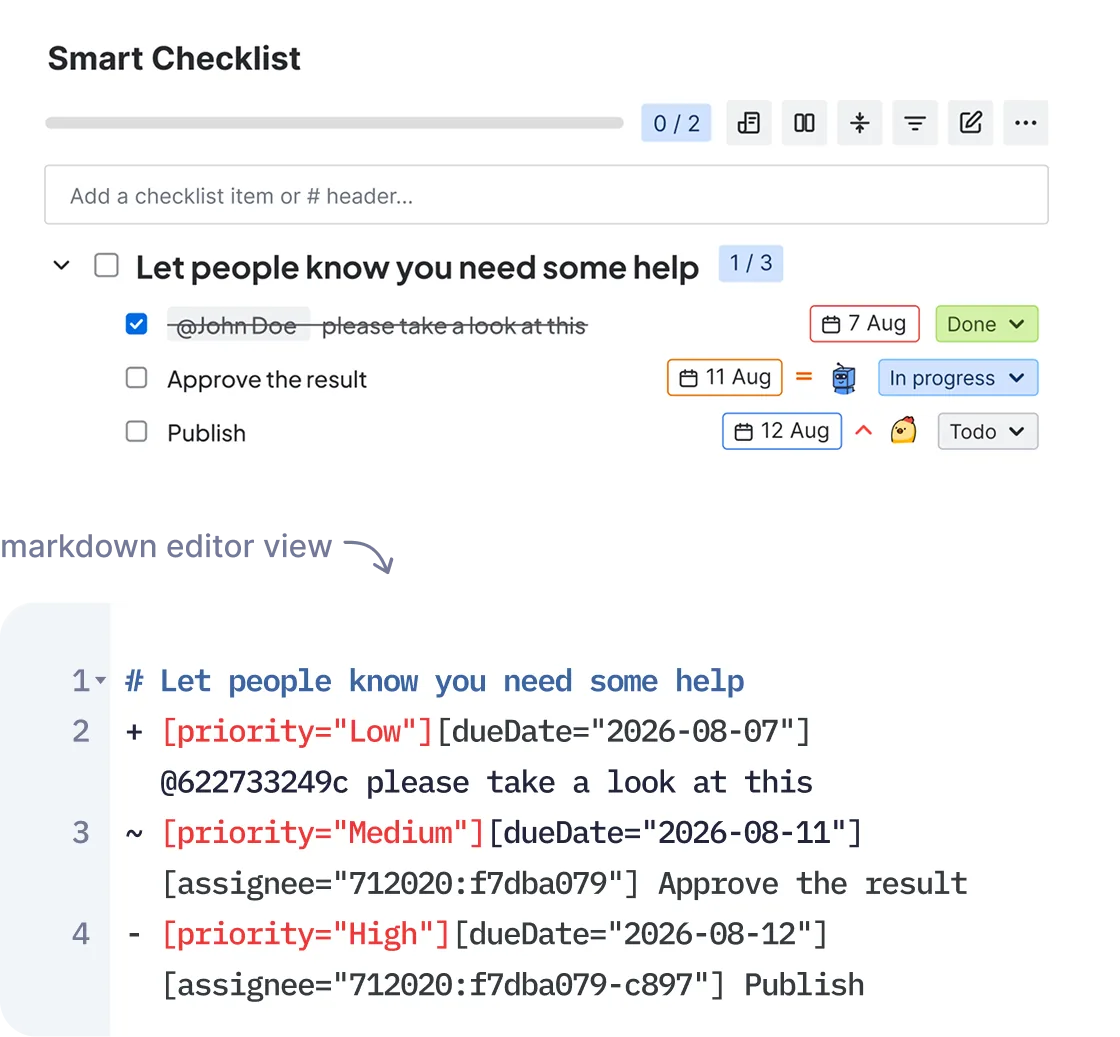
Create and manage
detail-rich
checklists for Jira tasks






How different teams
use checklist
templates
IT and Engineering
Give your Engineering team a peace of mind with well defined processes, a space to handle implementation plans, and own ToDos.

Product and Management
Free your Management team from routine, repetitive tasks and let them focus on things that move projects further.

HR and Recruiting
Automatically add checklists to all HR’s Jira tickets to maximize the team’s efficiency and reduce human errors.

Marketing
Turn your Marketing tasks into clear step-by-step action plans. Create your own checklists, save them as templates to streamline regular activities.

Finance
Forget about overdue payments and missed tax declaration. Enhance all financial processes with clear, step-by-step action plans no one can mess up.

IT and Engineering
Give your Engineering team a peace of mind with well defined processes, a space to handle implementation plans, and own ToDos.

Product and Management
Free your Management team from routine, repetitive tasks and let them focus on things that move projects further.

HR and Recruiting
Automatically add checklists to all HR’s Jira tickets to maximize the team’s efficiency and reduce human errors.

Marketing
Turn your Marketing tasks into clear step-by-step action plans. Create your own checklists, save them as templates to streamline regular activities.

Finance
Forget about overdue payments and missed tax declaration. Enhance all financial processes with clear, step-by-step action plans no one can mess up.

Which checklist fits your team best

Automations and Integrations
for your Jira
Add a checklist automatically based on triggers to optimize your workflow.
Integrate your go-to tool with Smart Checklist.
Immediately get a sense of
all activities and tasks


- View progress on agile Board
- View agile board work item (issue) detail in side bar
- Change checklist position in work item (issue) view
- Separate Page for Cloud
- Dashboard Gadget for Data Center
- Notify about all updates
- Notify when a person is assigned
- Checklist history tab
- Tooltip with latest changes
Painless migration to
Smart Checklist

Checklist for Jira

My ToDo

Elements Checklist
Ready to boost your team's productivity?




More Smart Tools - Less Manual Work

Save any work type as a template
Learn more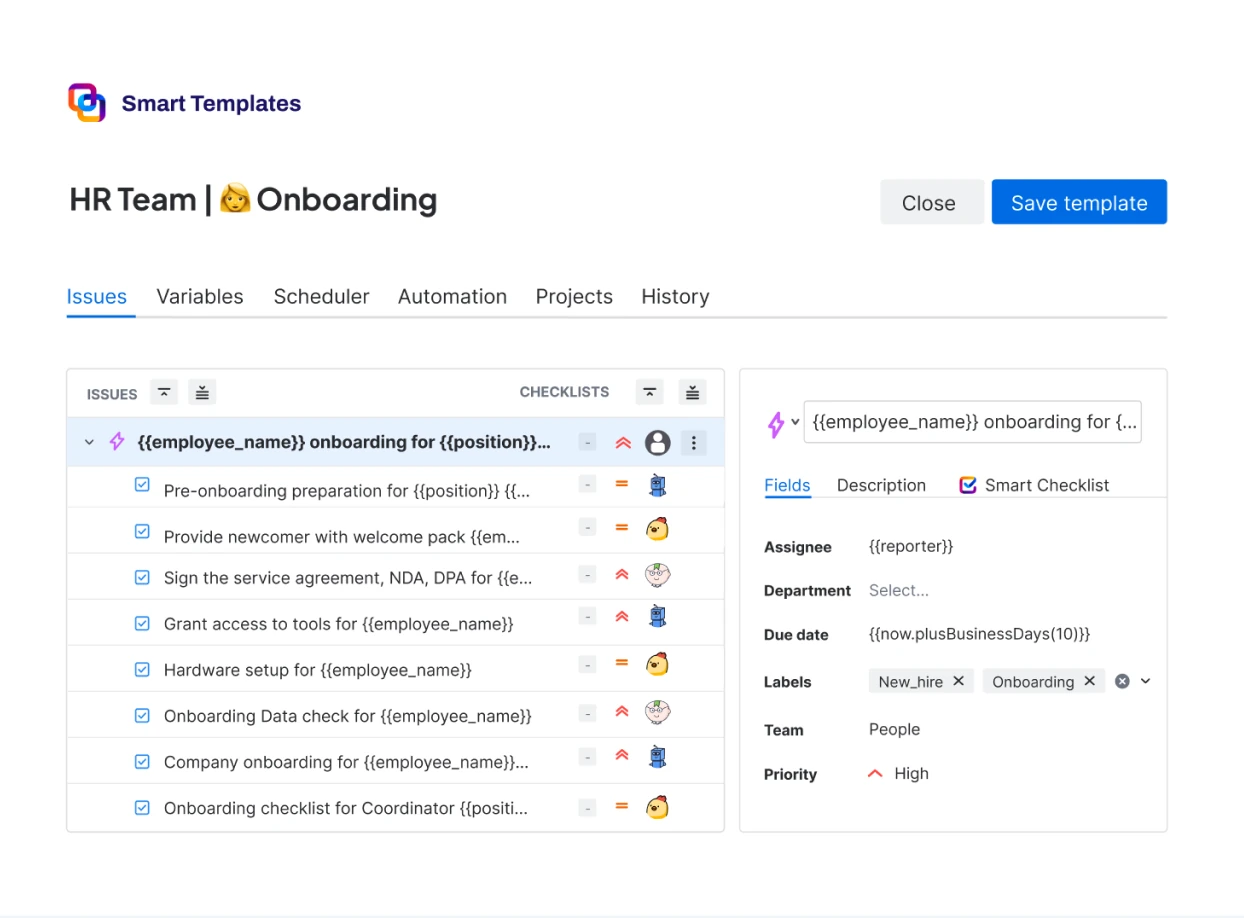
Frequently Asked Questions 🤔
Haven't found an answer? Try our blog or contact support
Smart Checklist is a Jira add-on that allows you to include to-do lists in your Jira tickets. You can also create checklist templates for recurring tasks. They will be automatically added to a work item (issue) based on your triggers and criteria.
Smart Checklist is used to add to-do lists to Jira work items (issues). Some of the most common use cases would include:
- Technical
- Definition of Done;
- Acceptance Criteria;
- Product Release checklist;
- App publishing;
- Code Review checklist;
- Test cases;
- Security compliance.
- Support
- Standard questionnaire for requests.
- HR and Finance
- People Onboarding and Offboarding;
- Budget audit;
- Tax preparation.
- Marketing
- SEO and content creation checklists;
- Marketing campaing planning.
Yes, you can save your checklists and use them as templates. A Jira checklist template will be added to an issue based on your triggers and criteria. Check how this functionality works on Data Center and Cloud instances.
Smart Checklist Paid and Smart Checklist Free are separate add-ons. The free version is limited to 5 templates, and a maximum of 20 items per checklist, and it is only available for Jira Cloud. You can compare the plugins in our documentation.
Pricing for the Paid version depends on the amount of users. You can check the pricing of our checklist for Jira Cloud here.
You'll need admin or system admin permissions to install Smart Checklist. You can install it directly from the Atlassian Marketplace.
While Smart Checklist Paid version is available on Jira Cloud and Data Center, Smart Checklist FREE is only available on Jira Cloud.
You can import your checklists from Checklist for Jira into Smart Checklist. You can also use a CSV file to bulk import your checklists from other sources.
Yes, we support CSV import from other sources. You can also import checklists from Trello directly via our power-up.
Yes, Smart Checklist functionality is fully available on Next-Gen Projects.
Yes, Smart Checklist is GDPR compliant. You can learn more our data privacy and security policy via the following links: Cloud Data Center